Module 3 Formstorming

Weekly Activity

Sarah Al-Fkeih — Makey Makey conductive interaction system


Project 3


Module 3

This project explores using Makey Makey and p5.js to create interactive visuals through 25 iterations of movement and touch.

Activity 1


Activity 2
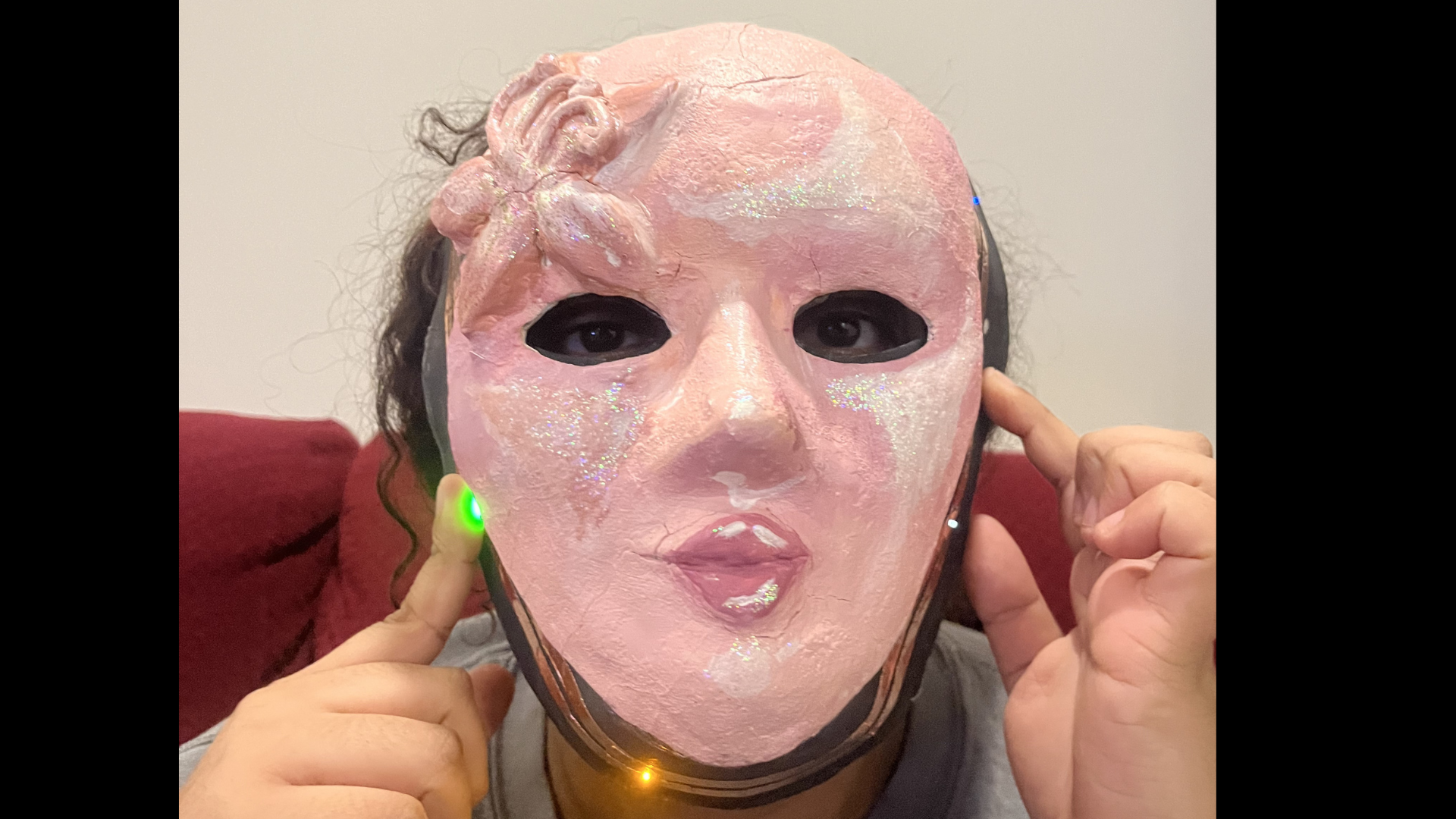
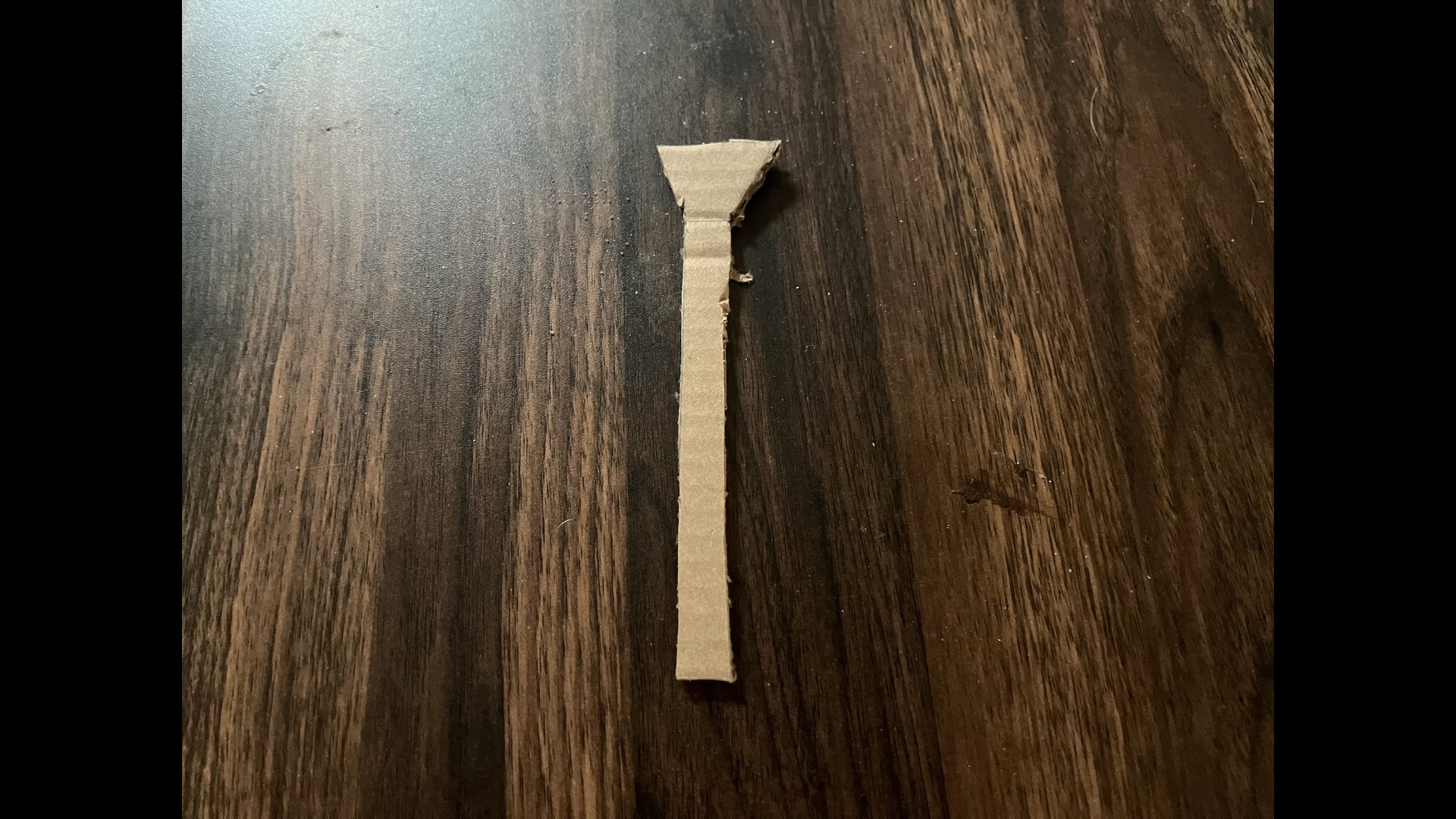
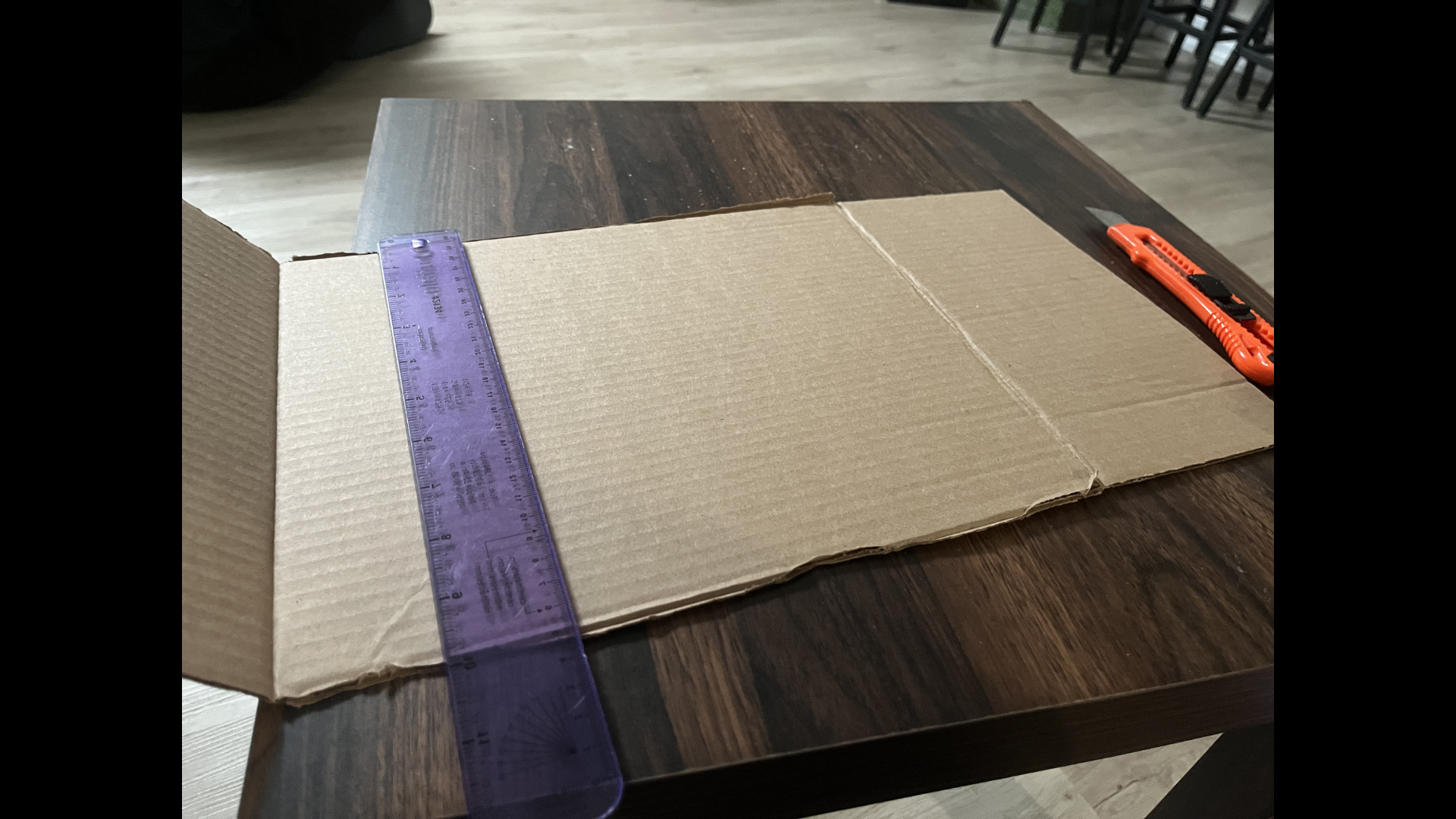
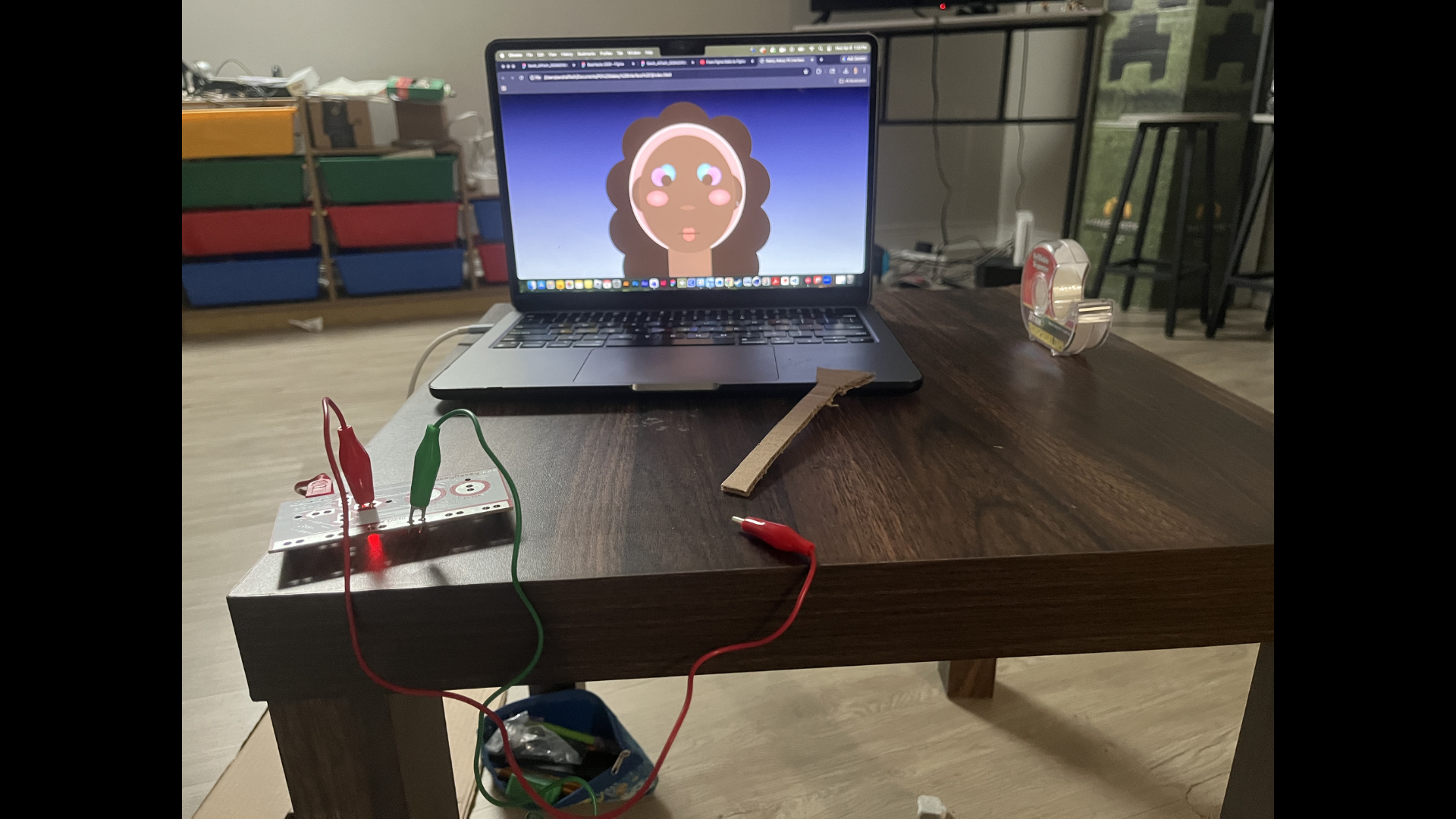
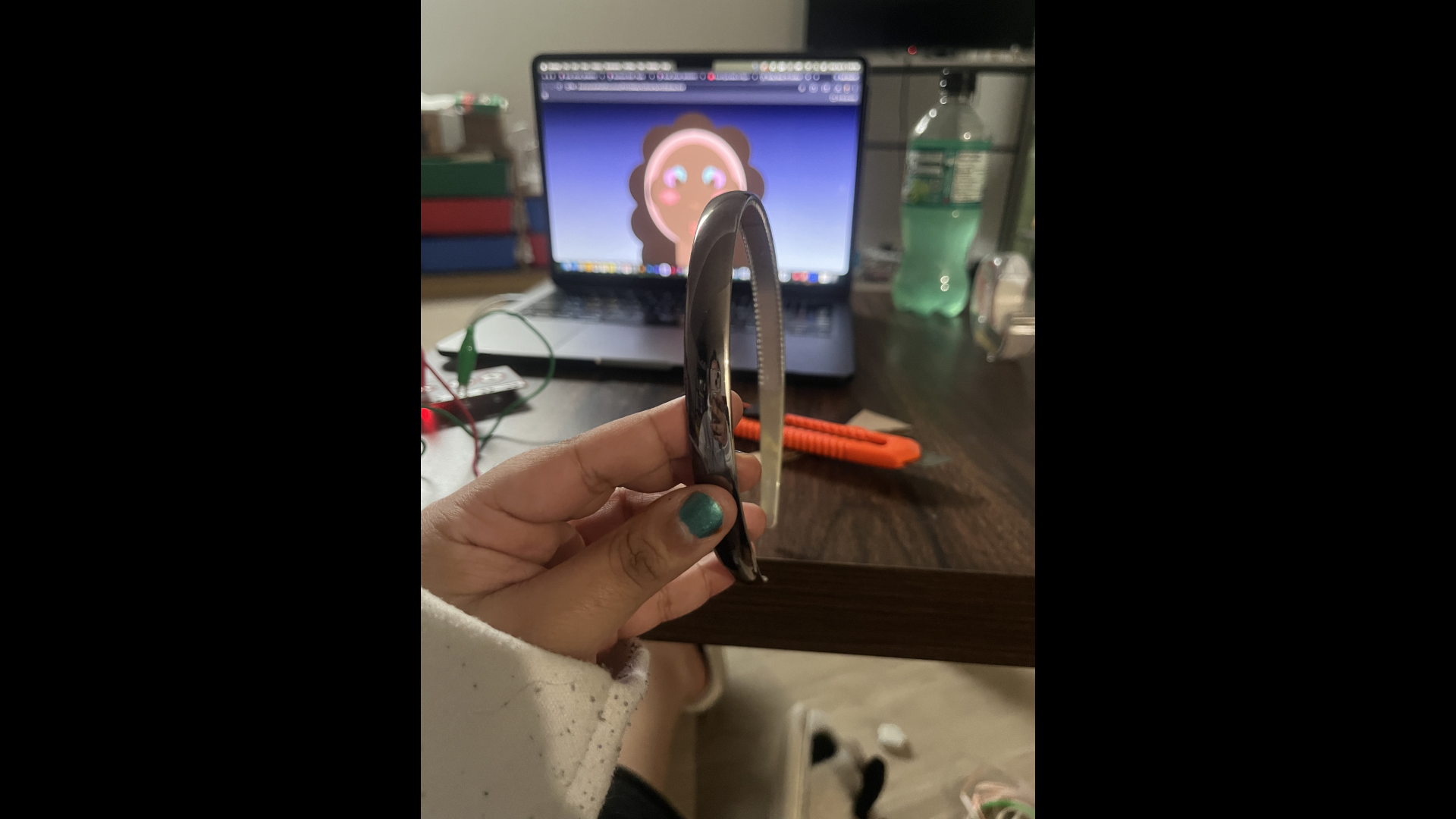
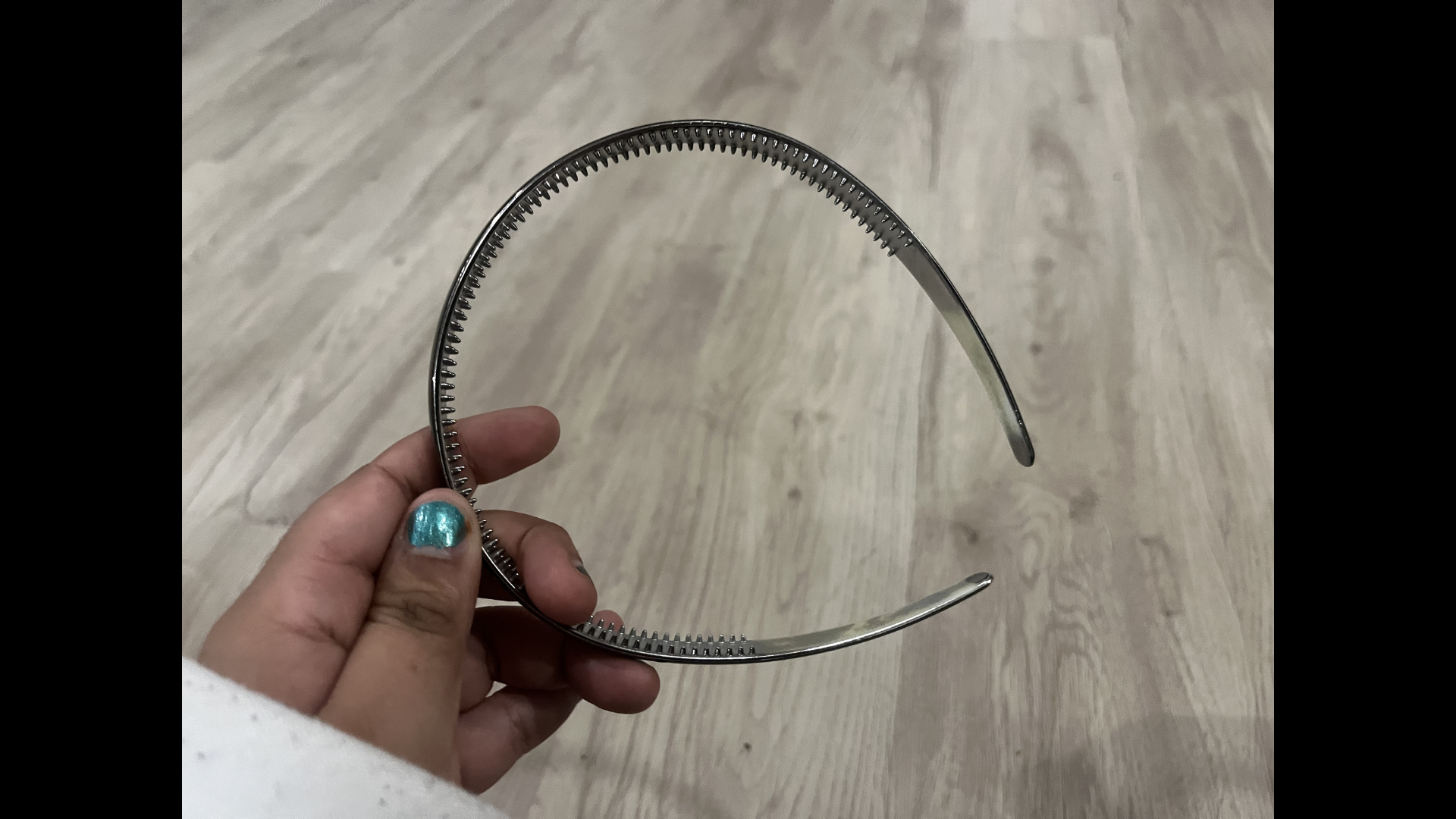
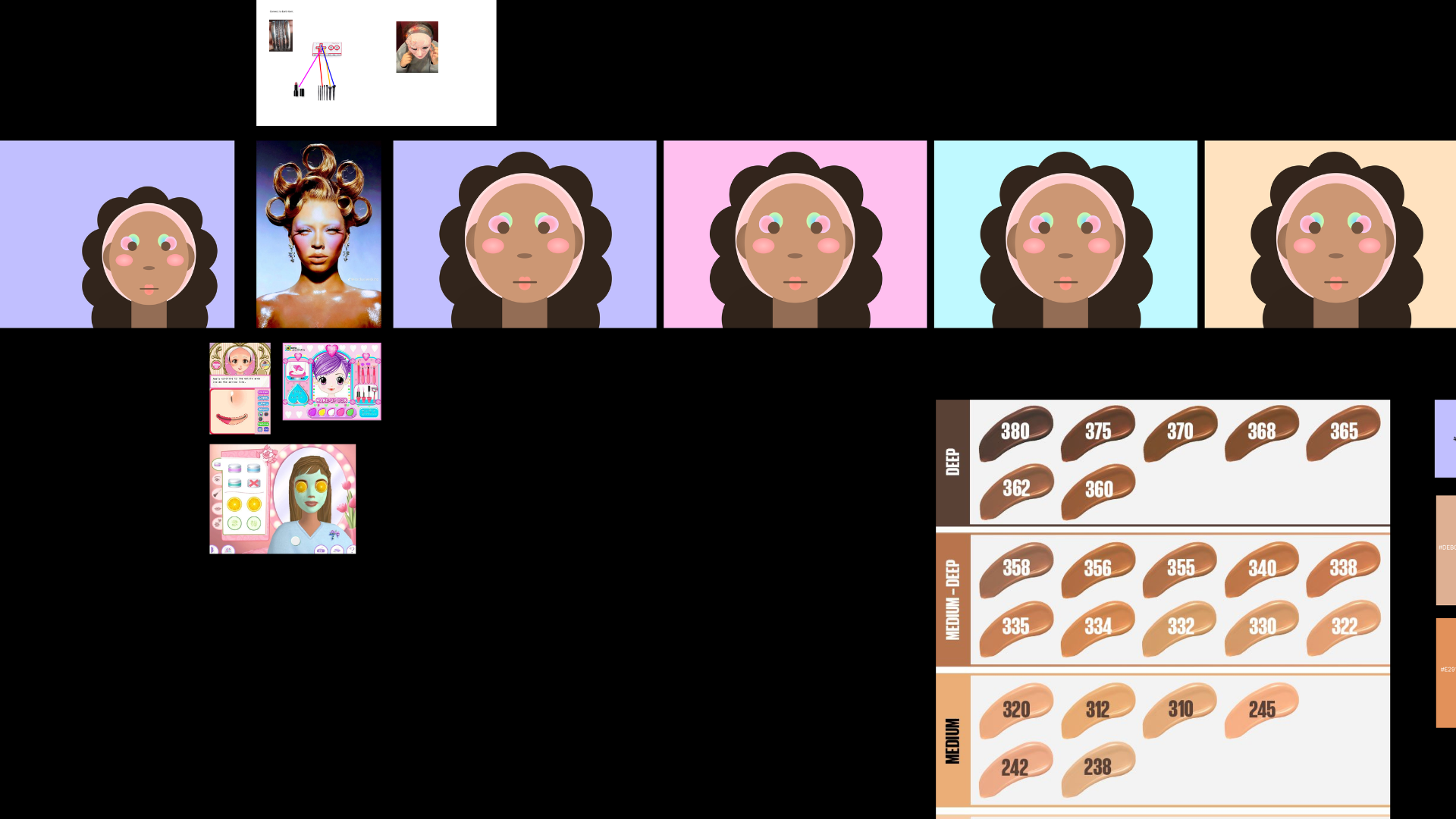
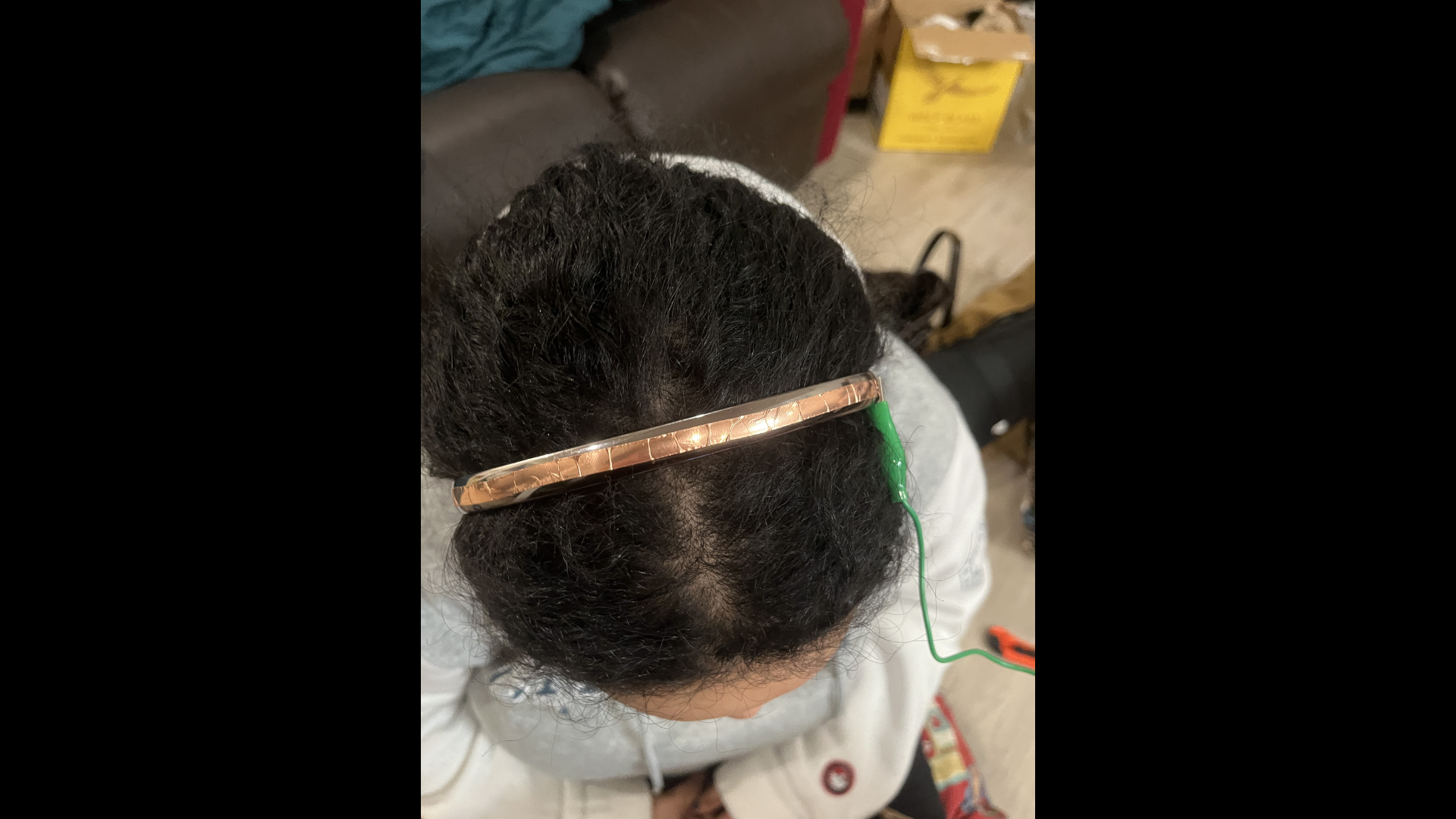
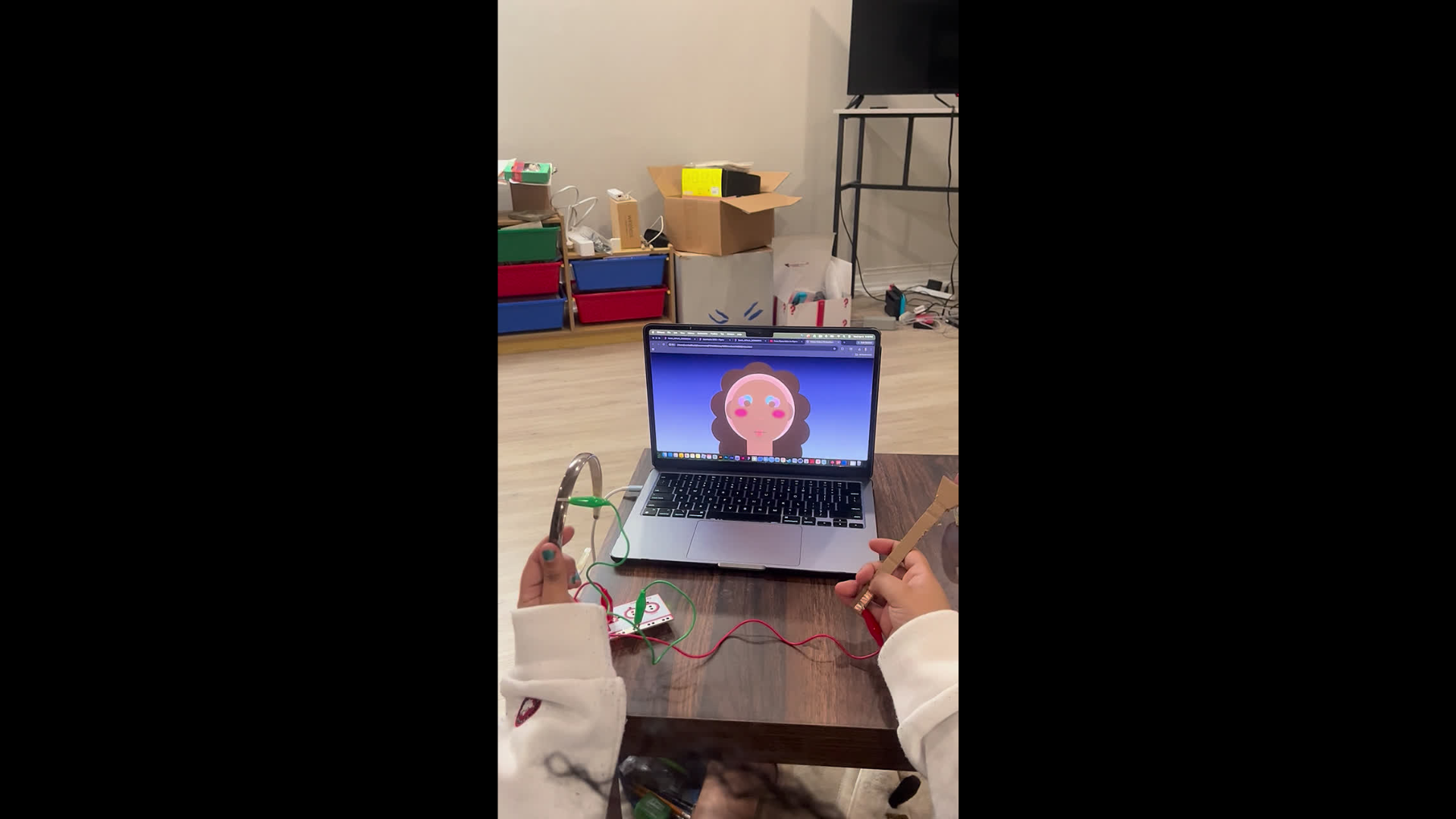
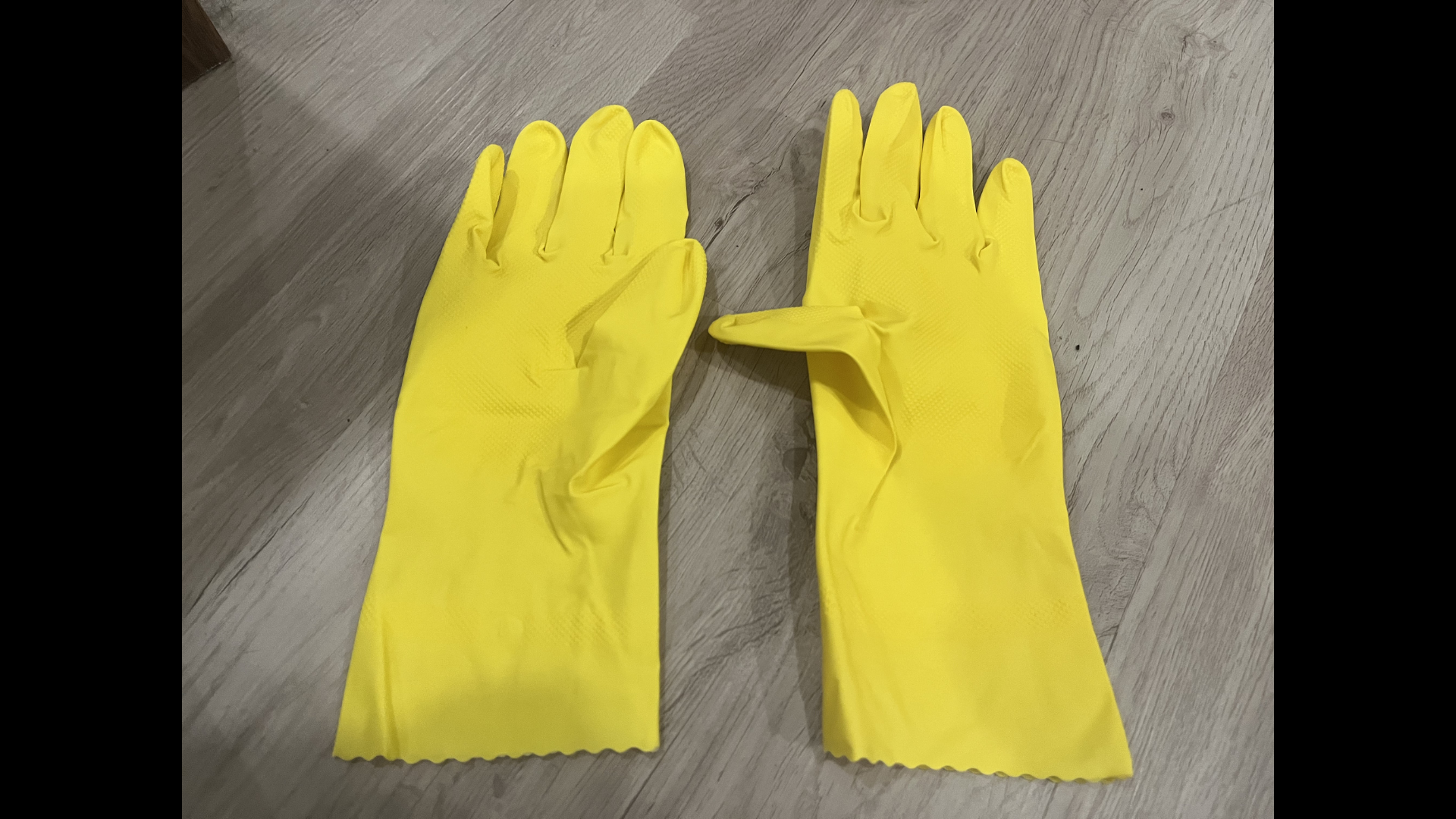
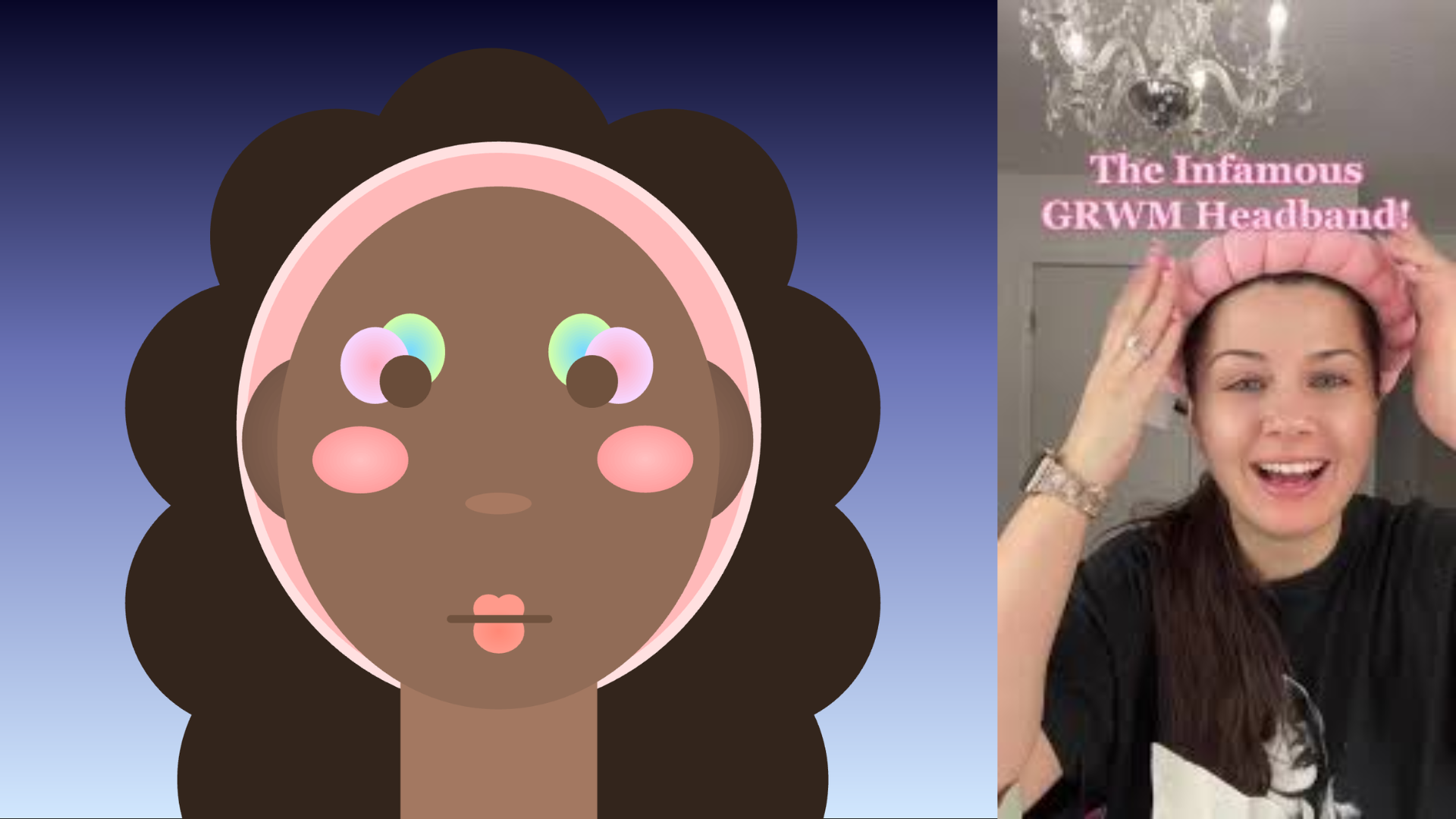
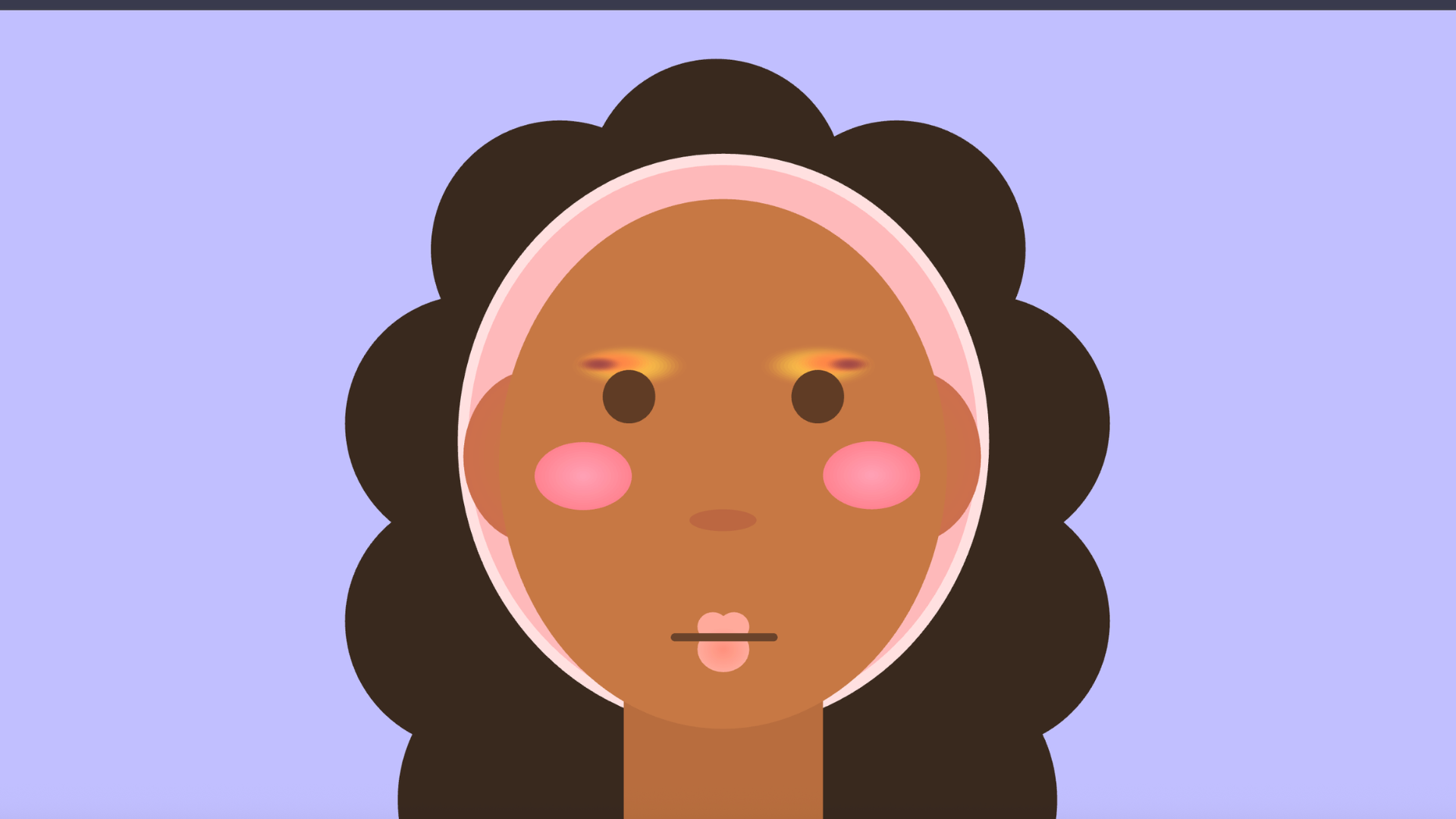
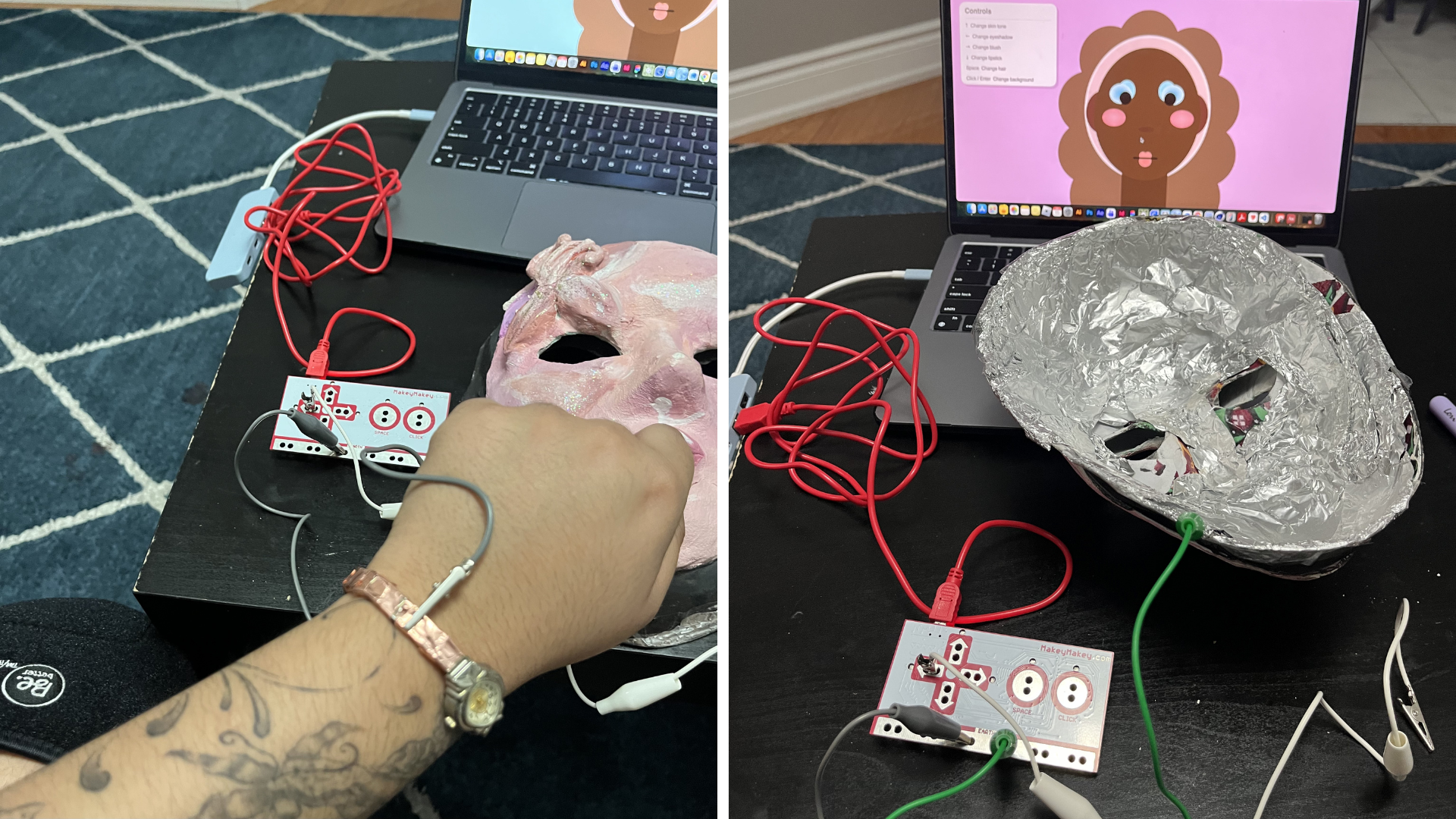
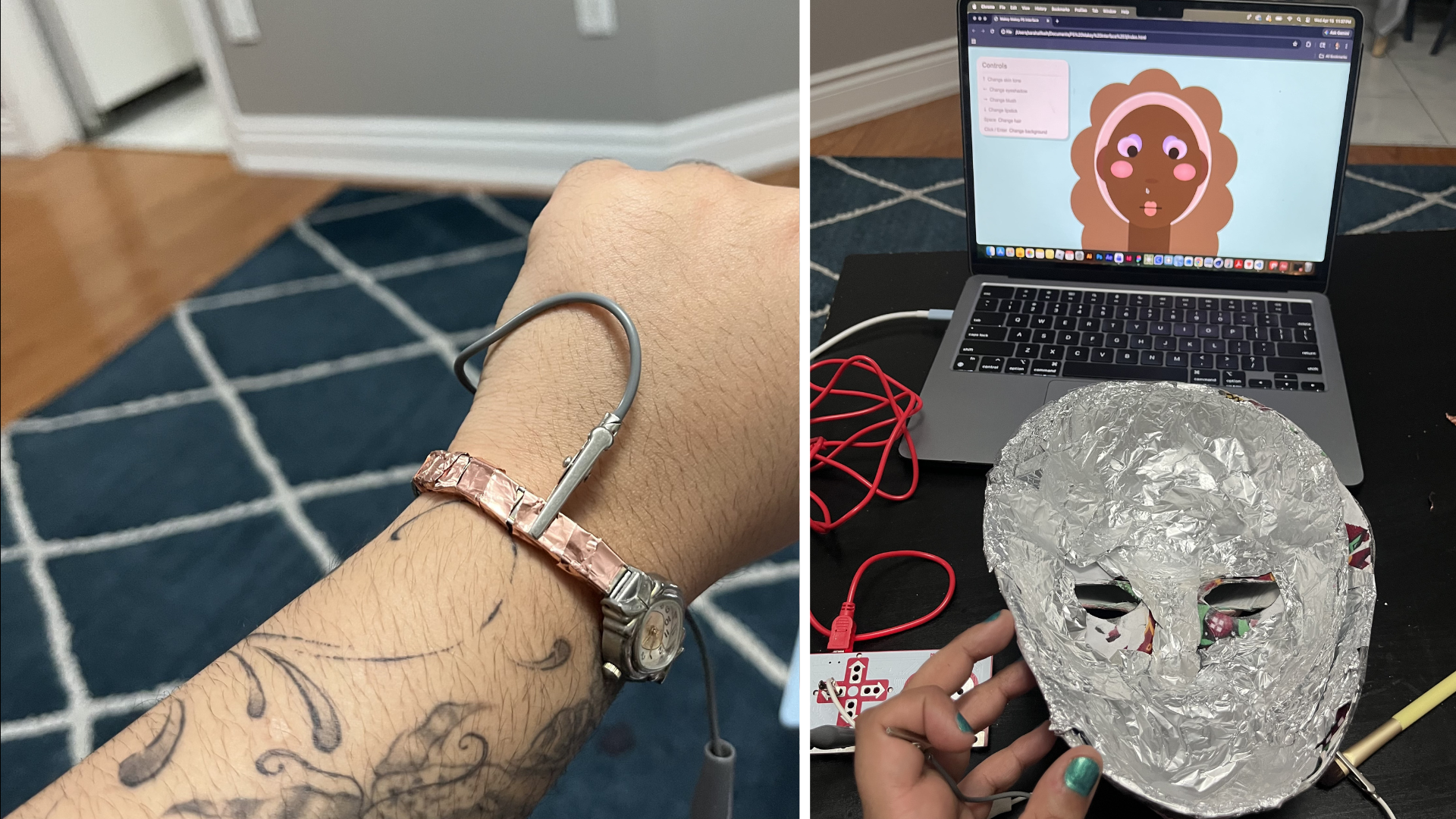
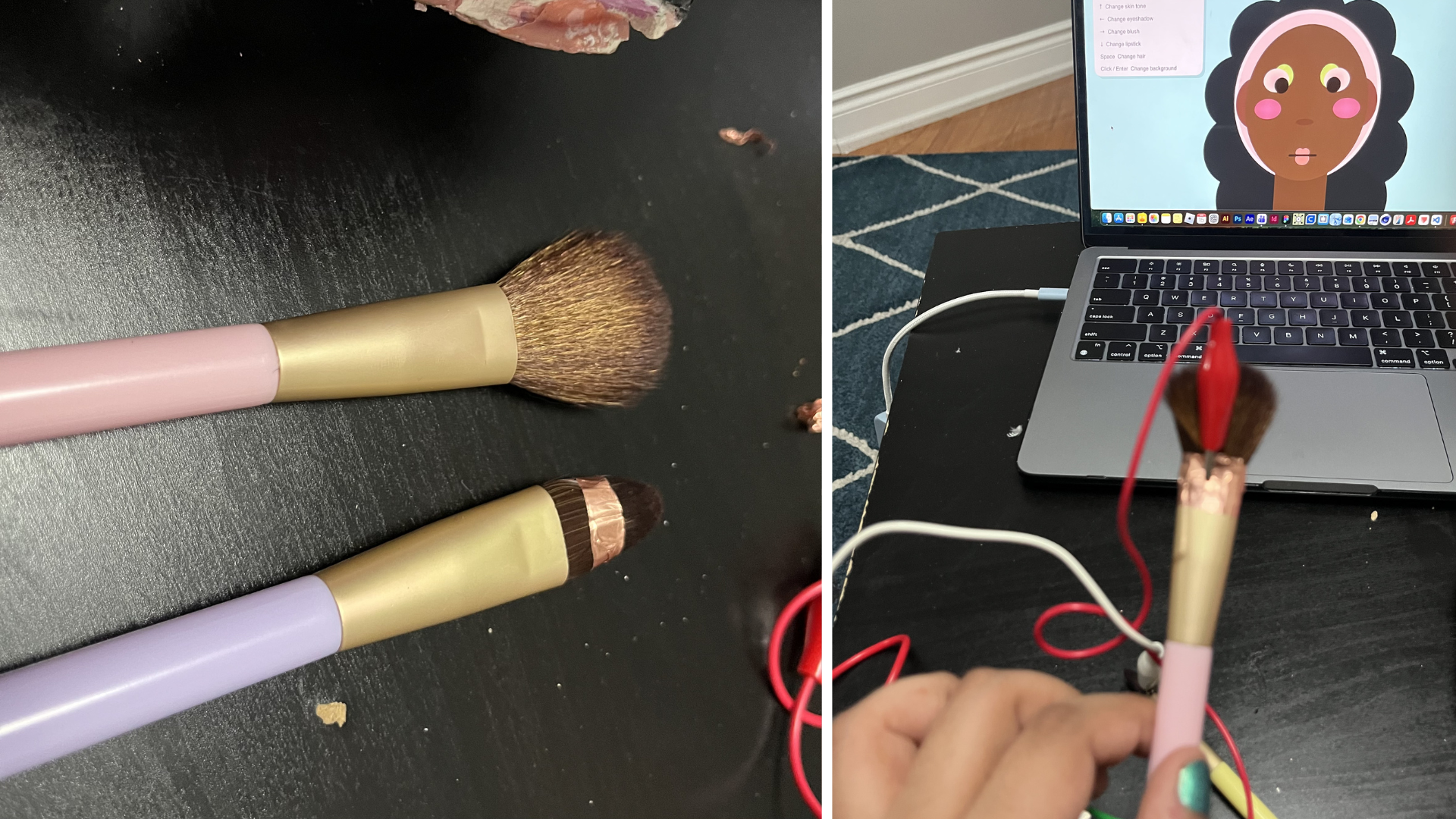
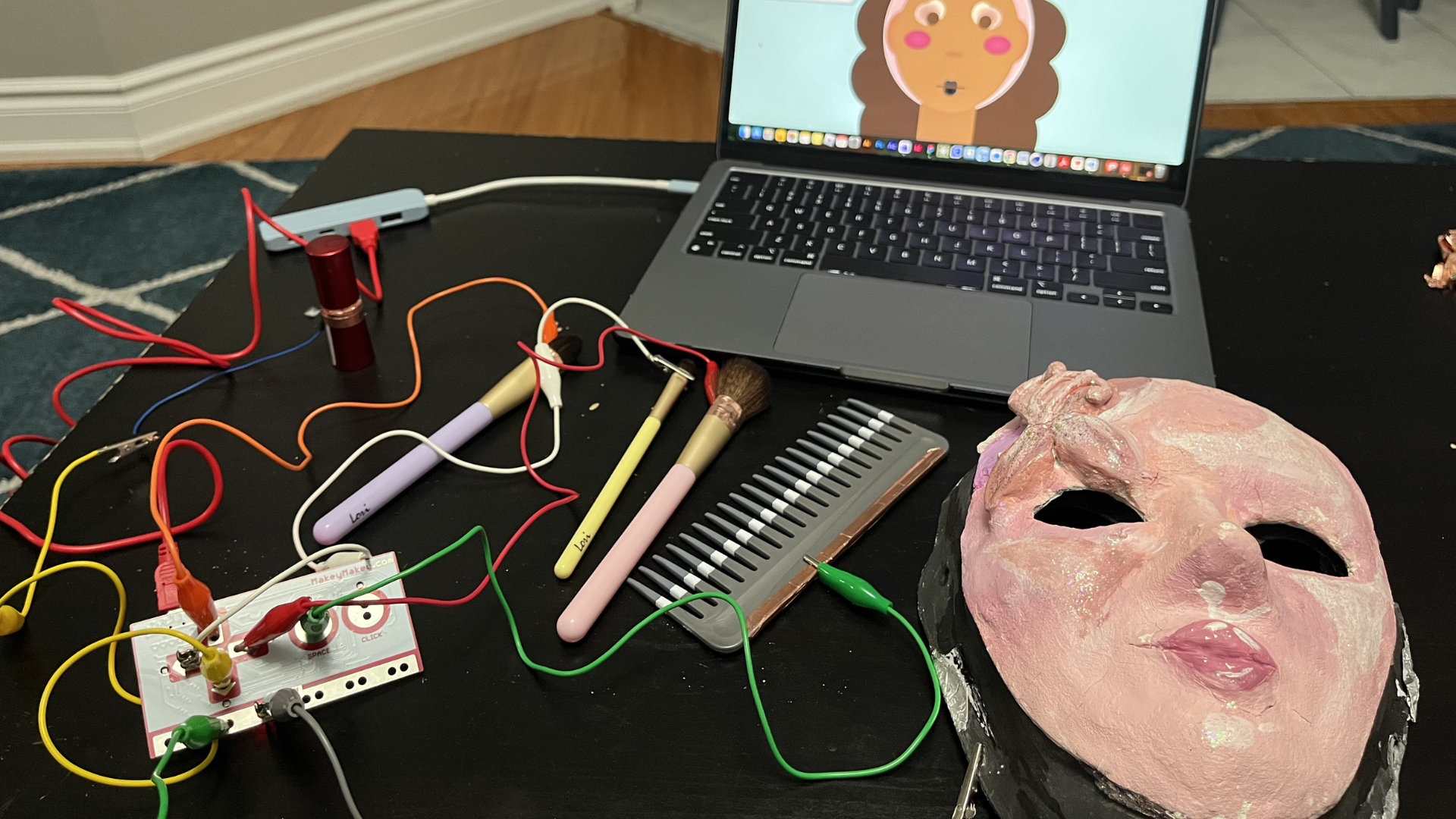
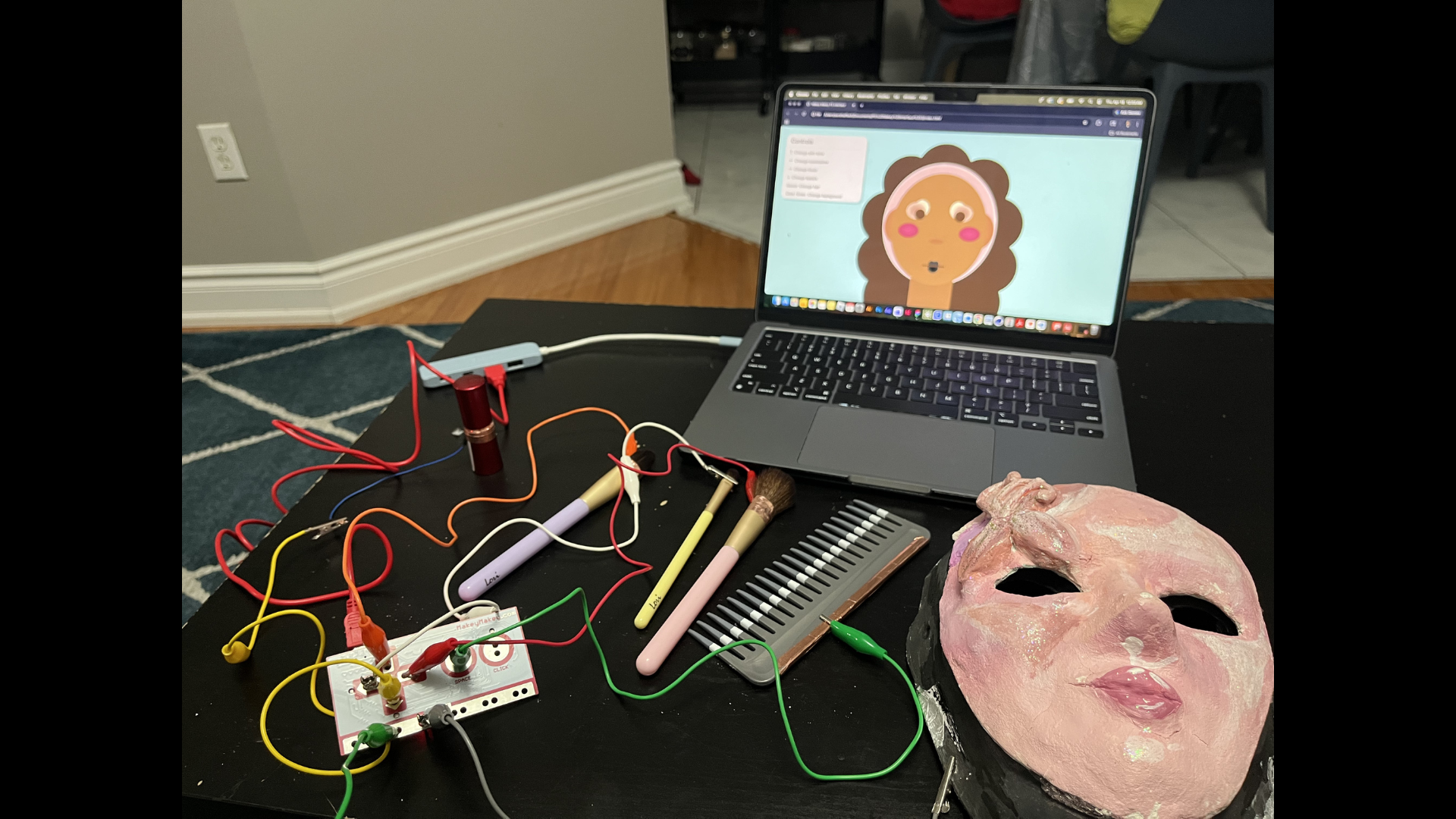
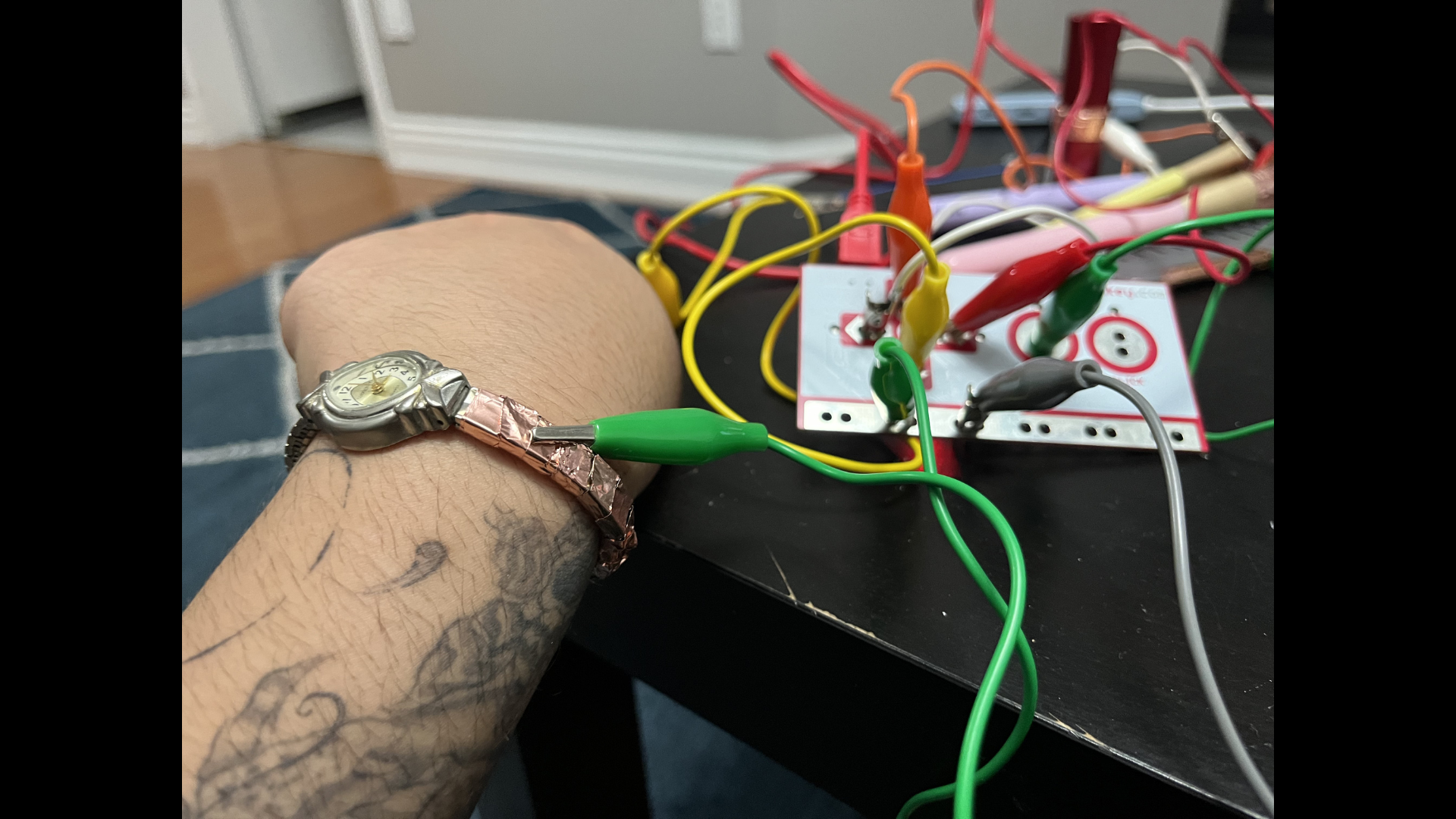
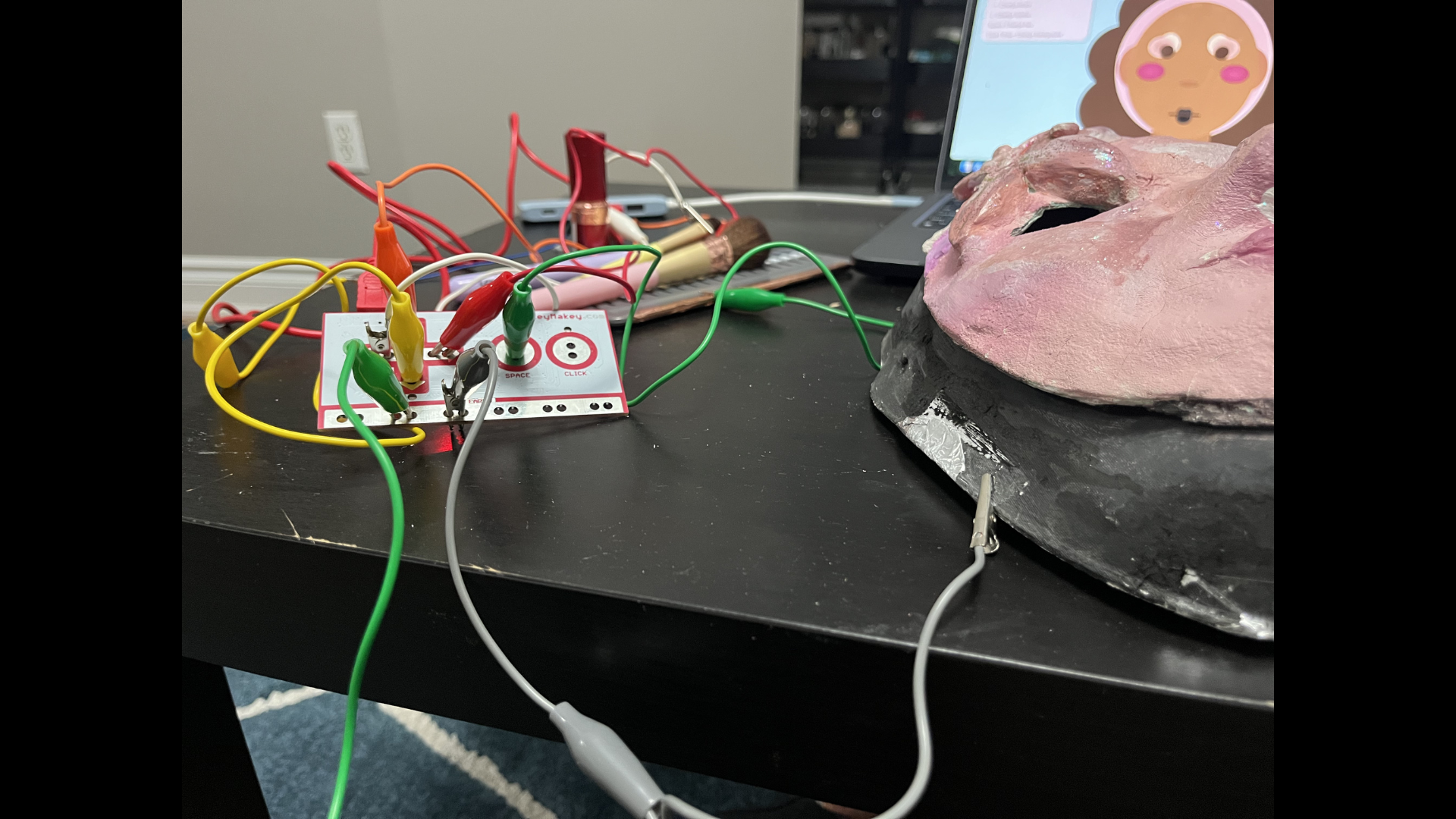
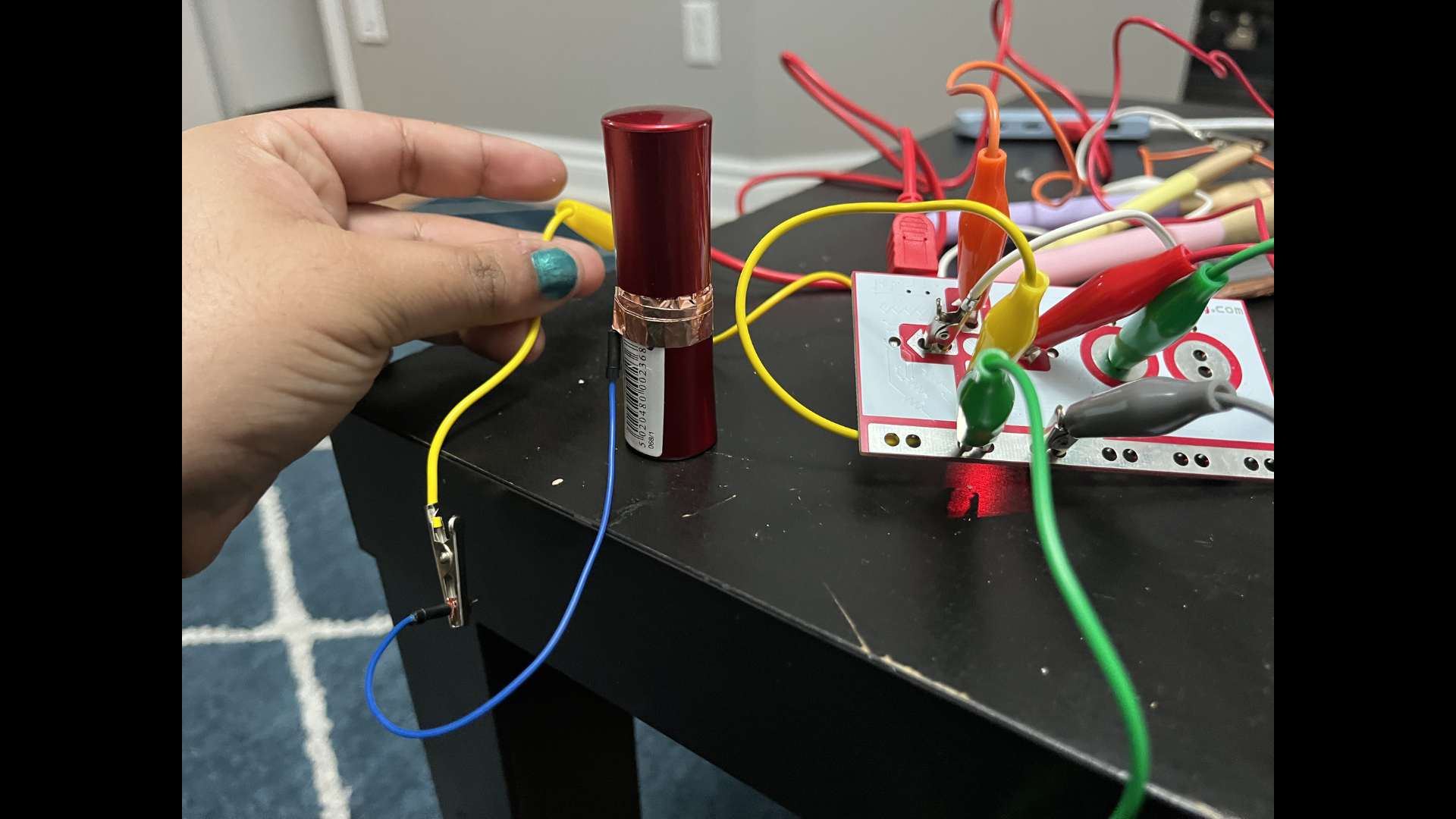
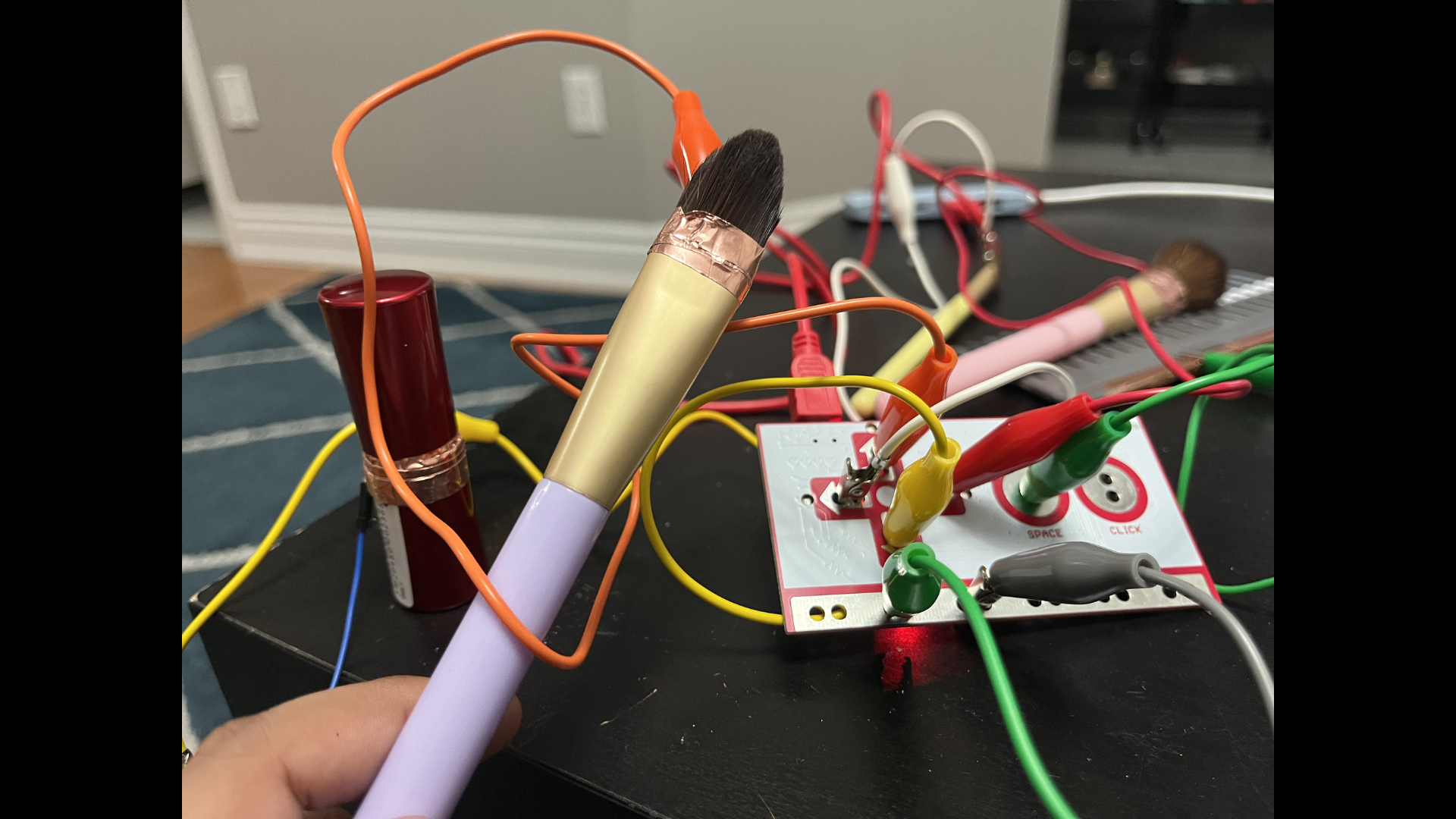
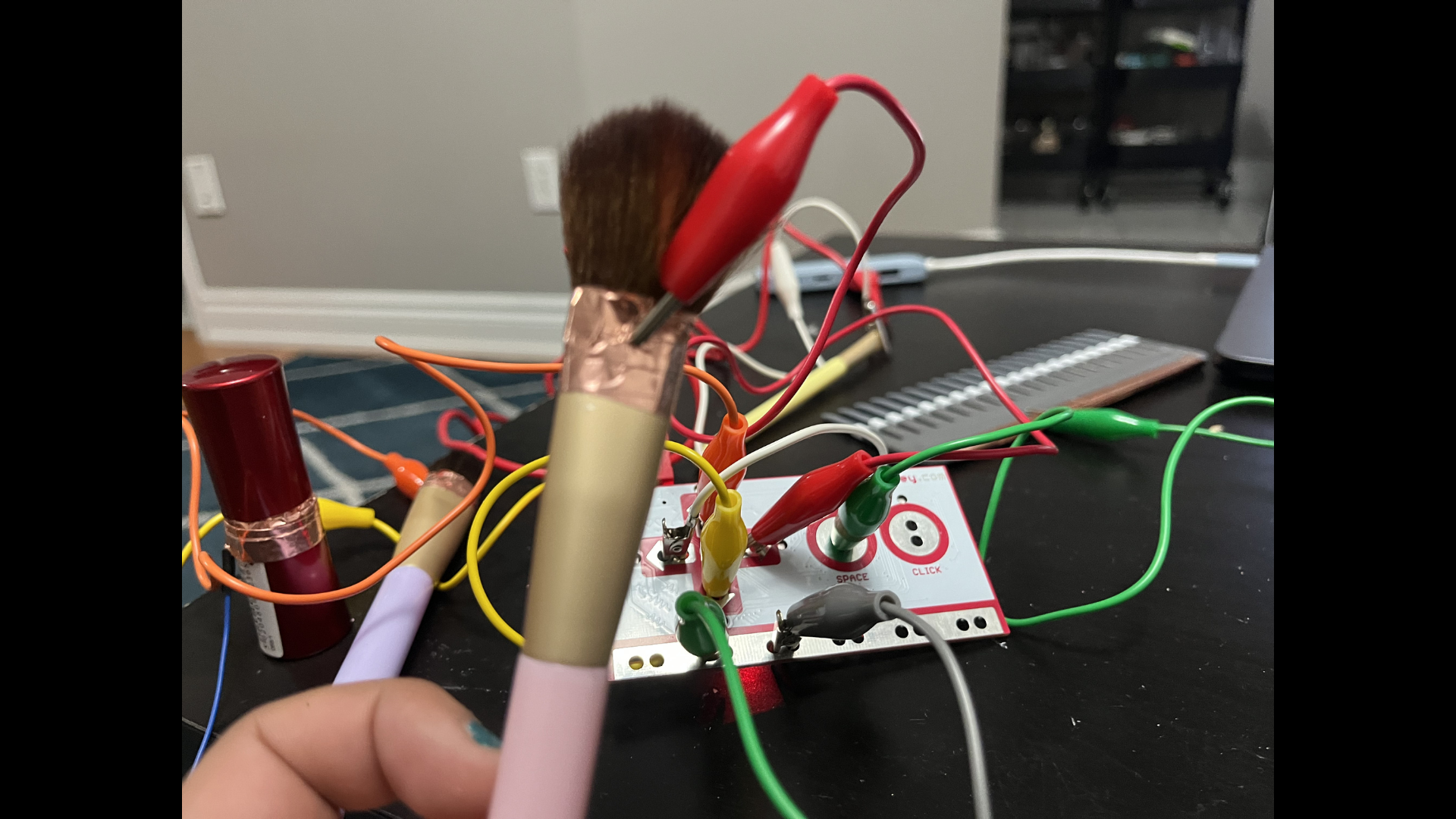
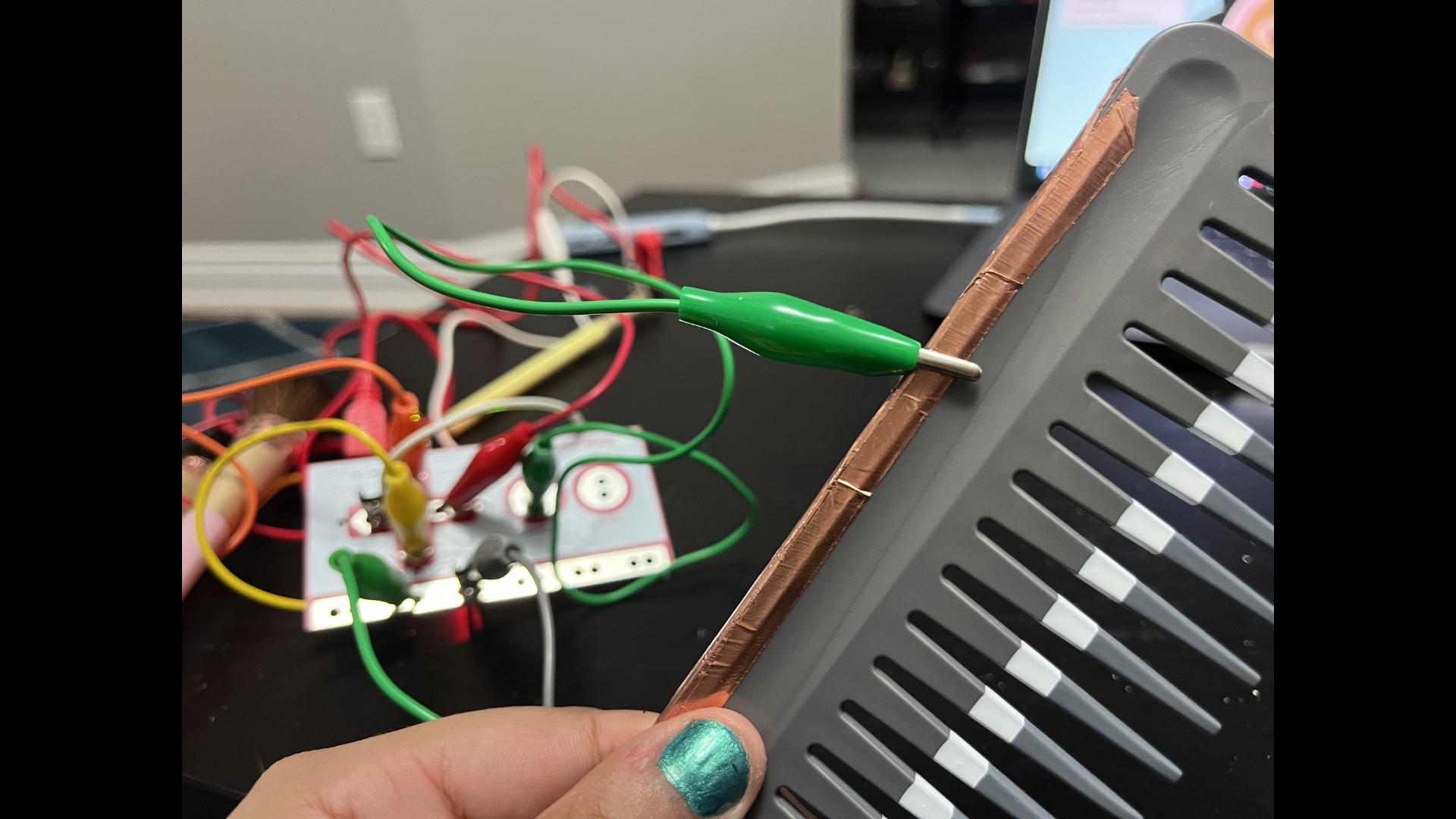
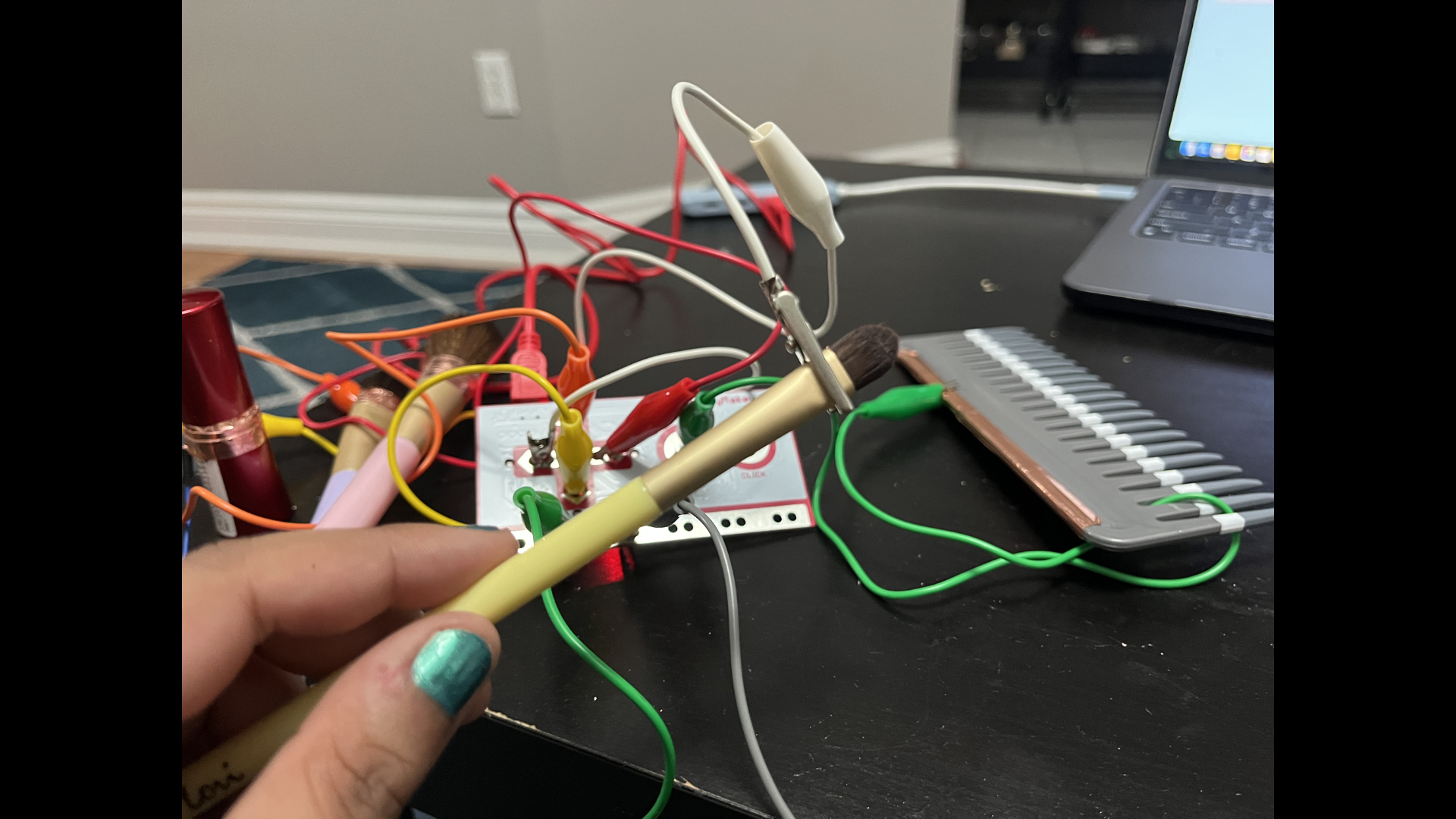
This is the mask I used. I originally made it for a high school assignment about identity, where I explored how makeup can act as a form of protection. I created this mask using materials from Dollarama. This is a guerrilla prototype of a brush that I made using cardboard. I wanted this to act as an experiment before using a real brush. This is part of my setup. I used a cardboard cutter, ruler, and pencil to trace and cut out the guerrilla prototype brush. This is me preparing to set up the Makey Makey and my code. I used the guerrilla prototype brush and connected myself to earth using my hand. I covered the lower half of the brush with conductive tape to create a trigger. This is my setup in action. This is my headband, which is made of stainless steel. This was my first idea for creating a connection to earth. I explored using it to improve conductivity, but it didn’t work as expected. I tried adding conductive tape to the headband to make it more conductive and act as a connection to earth. It only worked when I held it, not when I wore it. This is my Figma design setup. I designed the character myself and made it customizable. I then translated the design into code, using ChatGPT to help refine the CSS. All visual designs were created by me. I covered the headband with conductive tape, but it still didn’t work as a reliable connection to earth. Here it is in action. As you can see, the headband worked when I held it in my hand, but not when I wore it. These are rubber gloves I considered using. My idea was to cut the fingers and connect them to the Makey Makey, but I decided not to use them because they felt too generic and didn’t support the idea of texture in my project. This is part of my code. I added a headband to create a “get ready with me” effect, using it as a symbol of preparing for makeup, which connects to my personal experience. This was my attempt to make the eyeshadow appear more blended. It didn’t work as intended, so I decided to keep a solid look instead. These are my “connect to earth” solutions: a watch wrapped in conductive tape and the inside of my mask covered in aluminum foil. This is another angle showing how the system works. Both components need to be used together for the full experience. The watch works on its own, but the mask is less conductive, so it performs better when both are used together. This image shows my trial and error with wrapping conductive tape around the brush. I realized that the metal part holding the bristles is already conductive, so I only added tape near that area. To trigger a reaction, the Makey Makey needs to connect to that metallic part. This is the full setup of my Makey Makey system with all my objects connected. Here you can see a clearer view of how the wires connect throughout the system. At this point, I started to think of the wiring itself as part of the overall experience. This is the watch. I added more conductive tape and connected it using the green wire. Here you can see the alligator clips more clearly and how they connect the system together. put a description here or you will lose grades put a description here or you will lose grades put a description here or you will lose grades put a description here or you will lose grades put a description here or you will lose grades

Project 3


Final Project 3 Design

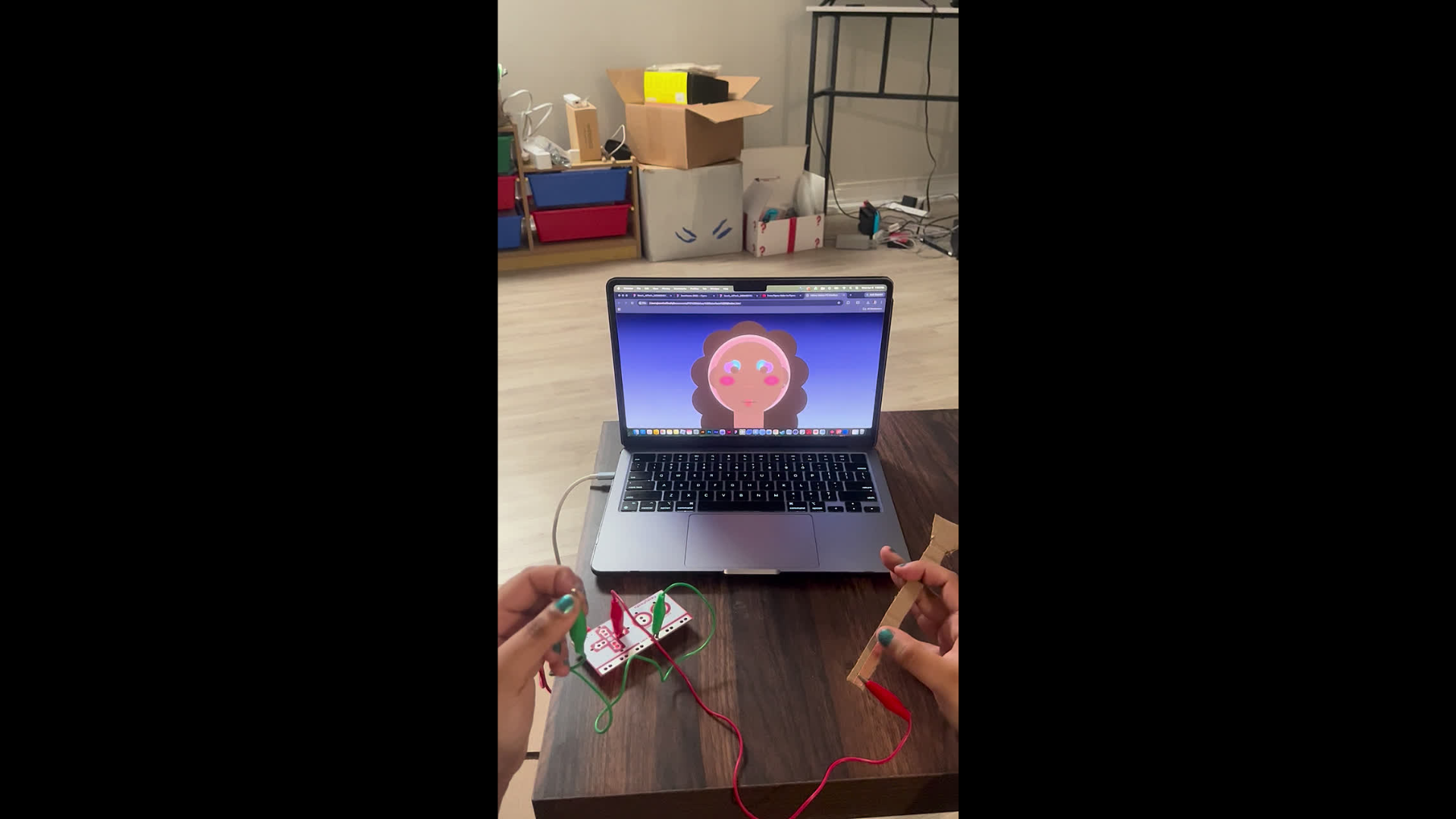
This final project explores how physical makeup tools and conductive materials can control a digital makeup interface through Makey Makey. In the video, touching different real-world tools to the mask triggers changes on the screen, turning the act of applying makeup into an interactive system between the body, object, and digital image.

×

Powered by w3.css